
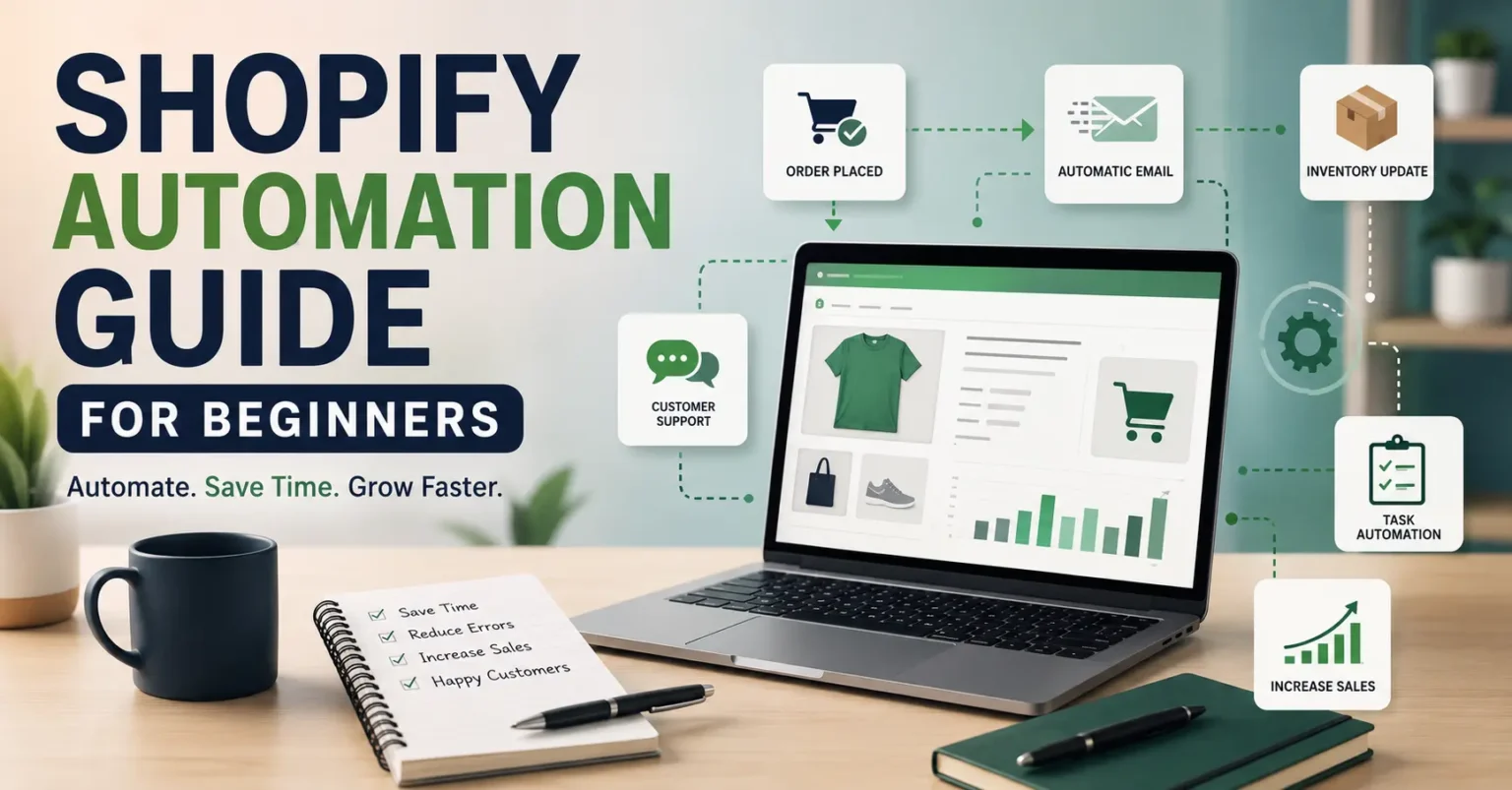
I opened my Shopify store thinking I’d figure everything out as I went. That’s basically what this shopify automation guide is really about: the stuff I wish someone had just told me straight up instead of letting me learn it the hard way. Order confirmations, restock alerts, the same three customer questions on repeat… within a few weeks I was doing tasks a computer could’ve handled in seconds, and doing them badly because I was tired.
So let me just walk you through what actually worked, minus the “10 tools you absolutely need right now” nonsense that clogs up half the internet.
Why Automation Matters More Than You’d Guess
Nobody warns you about this part when you launch a store. The busywork grows faster than your sales do. You hit ten orders and suddenly you’re updating tracking numbers by hand, checking stock, replying to the same shipping question for the fifth time that day. None of it is hard exactly. It’s just relentless, and it eats the hours you should be spending on things that actually move the needle.
I once spent a whole Sunday afternoon manually tagging customers by purchase history so I could send one targeted email. Twenty minutes, tops, is what that should’ve taken. Once I got proper automation running, the same job took maybe five.
A decent shopify automation guide shouldn’t pretend you’re replacing yourself with robots, because that’s not really what’s happening. You’re just clearing space in your own head for the decisions that actually need a human, like how your brand talks to people, or what to do when a customer’s genuinely upset about something.
Where Most Beginners Trip Up
Here’s a mistake I see constantly, and one I made myself: installing ten apps in a week and connecting them all before understanding what any of them actually do. My abandoned cart emails were firing at the exact same time as my welcome series once. Customers got two unrelated messages back to back and it looked amateurish, because honestly, it was.
The fix isn’t fancy. Pick one process. Get it working well. Only then move to the next thing. I wish someone had said that to me on day one instead of leaving me to stumble through it over months.
The Areas Worth Automating First
Not everything needs automation right away, and some parts of running a store genuinely benefit from you being hands on, especially early when you’re still learning who’s actually buying from you. But a handful of areas pay off almost immediately.
Order processing was my first real win. I hooked my store up to an app that routed orders to my supplier and printed shipping labels without me touching anything. What used to eat an hour every morning just… happened while I was asleep. Felt a little strange the first time, not gonna lie.
Email sequences are another obvious one. Abandoned cart reminders, follow ups after purchase, win back emails for people who’ve gone quiet. Set them up once and they keep running. My cart recovery sequence alone pulled back close to eight percent of carts that were otherwise gone for good, which sounds small until you realize that’s money I did nothing to earn.
Inventory alerts matter more than people think too. Selling something you don’t actually have in stock is one of the worst feelings as a store owner, and I’ve sent my fair share of awkward cancellation emails before I set up low stock notifications.
And customer support, at least the basic layer of it. A simple auto responder handling shipping times and return policy questions takes a real chunk off your plate. It won’t handle a genuinely upset customer, and it shouldn’t try to. But it filters out the routine stuff so you’re only dealing with what actually needs a person.
That’s really the whole point of a good shopify automation guide when you boil it down: figure out what’s repetitive and rule based, hand that off, and keep the judgment calls for yourself.
Choosing Tools Without Wasting Money
The Shopify App Store is packed with tools promising to save you hours, and a lot of them are frankly overkill if you’re just starting out. I paid for a premium automation suite early on that had features I wouldn’t need for another two years. Bought a commercial kitchen to make toast, basically.
A few things worth looking at as a beginner. Klaviyo and Omnisend both have free tiers generous enough to prove their worth before you spend a cent. Shopify Flow is built right into the platform and lets you build simple if this then that workflows without touching code or paying anyone, which surprised me honestly, because it covers more ground than I expected, from tagging VIP customers to pinging you when a big order comes through. And if dropshipping is your model, something like Oberlo handles order routing and inventory syncing so you’re not doing it manually every day.
Try the free versions first. Get a feel for how automation actually fits into your day before committing money to features you might not touch for months.
Setting Up Your First Workflow
Say you’re ready to try this and don’t know where to start. Here’s roughly how I’d do it if I were back at square one.
Start with abandoned cart recovery. It’s the easiest win, and most email platforms hand you a template. Connect your store, pick a template, adjust the timing, turn it on. I set mine to send the first reminder an hour after someone bails, then a second one the next day with a small discount attached. That second email does most of the heavy lifting in my recovered sales each month, honestly more than I expected when I first set it up.
Then move to order confirmations and shipping updates. Shopify handles a lot of this out of the box, but rewriting those emails in your own voice instead of the generic default makes your store feel a lot more put together than it probably is behind the scenes.
After that, restock alerts. If a popular product’s running low, you want to know before your customers find out the hard way. Set a threshold, five or ten units depending how fast it usually sells, and let the system nudge you before you’re caught out.
Don’t try to do all of this in one sitting. Spread it over a couple of weeks. Watch how people respond to each piece before stacking on the next one.
Mistakes Worth Skipping
I’ve made plenty of these, so hopefully you can skip a few.
Automating too early is probably the biggest one. If you don’t fully understand your own sales process yet, automating it just locks in whatever’s broken. Run things manually for a month or two first so you actually know what needs fixing.
Skipping the human check in is another trap. Automated systems send weird stuff sometimes, especially when triggers overlap or your data’s a bit messy. I had a customer get a “we miss you” email the same day they placed an order, because two systems weren’t talking to each other properly. Check your workflows every so often, even the ones that seem to be running fine.
And don’t overdo it. You don’t need fifteen workflows running in your first month. Two or three that actually work beat a dozen half built ones every time.
Checking Whether It’s Actually Working
It’s tempting to set something up and just assume it’s doing its job forever. But you should still keep an eye on it like anything else in your business. Watch open rates on your automated emails, recovery rates on abandoned carts, how often people reply needing more help than the automation gave them.
If something’s underperforming, don’t be precious about it. I scrapped a win back email series that barely moved the needle and replaced it with a simple loyalty discount instead, which did noticeably better within weeks.
Wrapping This Up
Running a Shopify store without any automation is a bit like filling a bathtub with a teaspoon. You can do it, technically, but it’s exhausting and there’s really no reason to when the tools exist. This shopify automation guide was never meant to turn you into some kind of tech wizard overnight. It’s meant to show you that small, deliberate steps toward automating the boring parts of your business free up real time for the stuff that actually needs your brain.
Start small. Pick one thing eating your time right now, cart recovery, order confirmations, restock alerts, whatever it is, and automate just that. Once it’s humming along, move to the next. Give it a few months and you’ll probably wonder how you ever managed without it.
If you take one thing from this shopify automation guide, let it be this: automation isn’t about doing less work overall. It’s about cutting out the work that doesn’t matter, so there’s more room left for the work that actually does.