Monday morning, and your inbox already has a dozen “where’s my order?” emails waiting. Then a supplier tells you your bestseller is out of stock, and it’s still live on your store. This is usually when ecommerce automation for online stores stops being a nice extra and start being the thing you wish you’d set up months ago. You haven’t failed at anything. You’ve just outgrown doing it all by hand.
Here’s what to automate, how to pick tools without wasting money, and where stores tend to slip up.
What Ecommerce Automation for Online Stores Actually Covers
It sounds more technical than it is. You tell the software what to do once, and from then on it does exactly that, every time. Say a new order comes in. Rather than you retyping the address onto a shipping label, the system fills it in before you’ve even seen the notification.
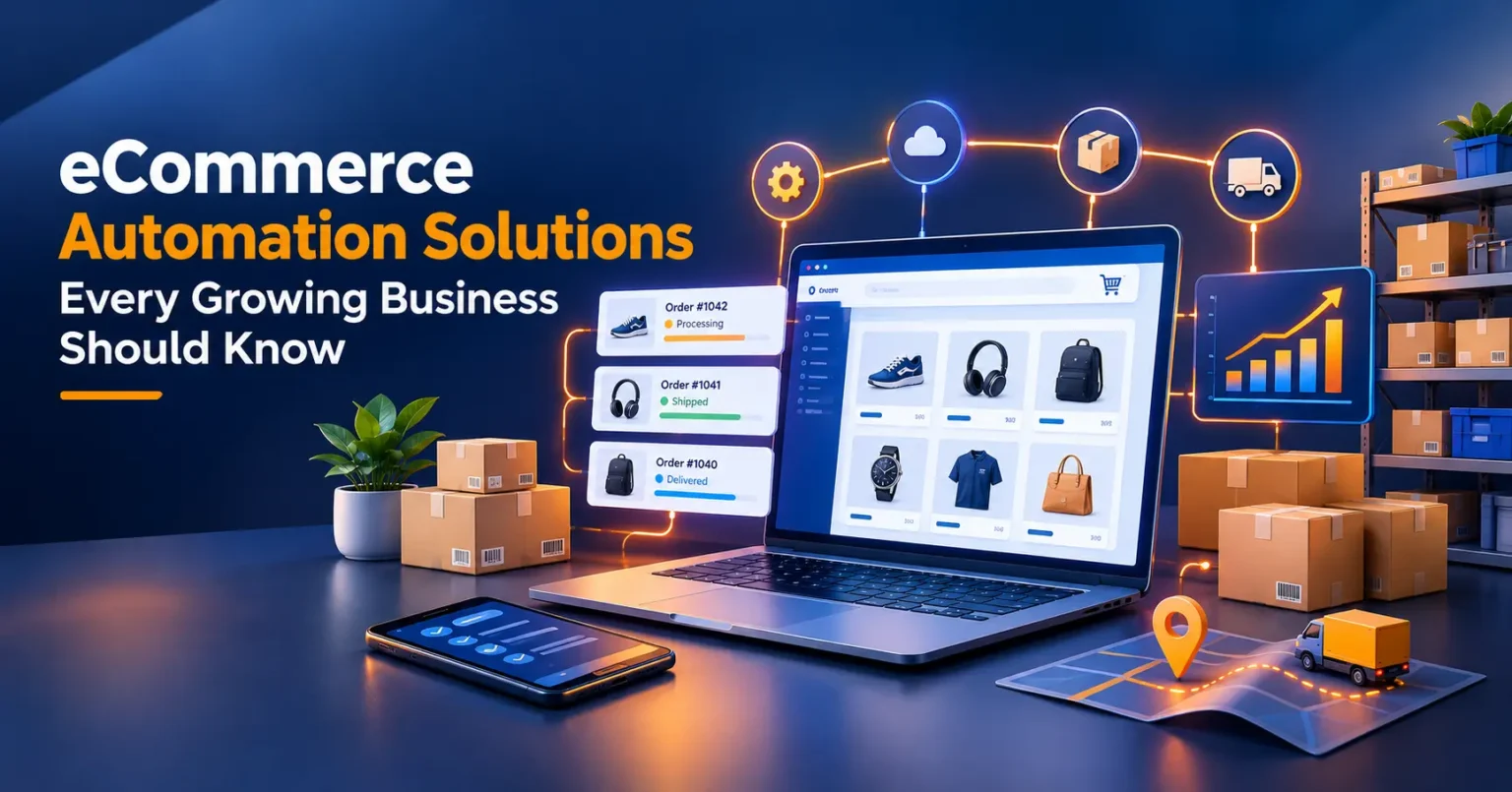
Tools usually specialize. Some handle orders and shipping, some watch your stock levels, and some send emails or answer the questions customers ask all day. A few platforms roll several of these into one, and that bundle is what people tend to mean by ecommerce automation software.
You won’t need all of it. A store getting fifty orders a week has very different needs from one getting five hundred. So the better question is which jobs are eating your time right now.
Signs You’ve Hit the Wall
How do you know it’s time? Usually you just feel it. Maybe you paste the same reply into emails a dozen times a day. Maybe you’ve sold something you didn’t actually have. Or you’ve stayed up late fixing a problem a simple rule would have caught.
Tom runs a small pet supplies shop, and for a long time he processed every order himself. One busy weekend he rushed, and three customers got the wrong size of dog bed. None of the work was hard. There was just too much of it, too fast.
Mistakes like that cost you refunds, return postage, and a bit of trust. Automation won’t make you perfect. It does get rid of the tired, rushed errors that creep in when you’re doing everything yourself.
Start With Orders: Automate Order Fulfillment
For most stores, fulfillment is the daily grind. You get an order, check it, print the label, pack the box, and send the buyer a tracking number. No single step is a big deal, but add them up and they can eat half your day.
When you automate order fulfillment, the system picks up the dull parts. New orders go straight to your shipping tool or warehouse, labels print in batches, and buyers get their tracking details without you touching a thing. You can add rules too, like sending light parcels with a cheaper carrier. If you sell on Amazon, Amazon automation services can take much of this setup off your hands.
Speed isn’t the only gain. Customers hear from you sooner, so fewer of them write in asking where their package is. That alone can clear a surprising amount of room in your inbox.
Why This Is Usually the Smartest First Move
Fulfillment rules are clear and predictable, so they’re safe to automate. A parcel either weighs two pounds or it doesn’t. There’s hardly any judgment involved.
If you only tackle one thing this month, make it this. You’ll save time right away, and you’ll notice the difference within days.
Keep Stock Honest With Inventory Management Automation
Few things sting like selling something you don’t have. You have to cancel the order, say sorry, and hope the customer gives you another shot. It happens most often when you sell through more than one channel.
Inventory management automation solves it by updating your counts everywhere the moment a sale goes through. Plenty of tools also send low stock alerts, so you can reorder before the shelf is bare. Some will even hide a listing once the count hits zero. Selling on more than one marketplace? eBay automation can keep those counts lined up too.
Priya sells handmade candles on her own site and on a marketplace. Before she linked the two, she sold her last jar of a seasonal scent twice in one afternoon. Once her stock counts talked to each other, it never happened again. A small change, and it spared her a pile of awkward emails.
Let Email Marketing Automation Do Some of the Selling
Most shoppers don’t buy on the first visit. A good follow up can bring them back, but writing and sending those emails by hand just isn’t realistic. That’s where email marketing automation pays off.
You write a message once, and the system sends it when a customer does something specific. A couple of triggers are worth setting up early.
Welcome and Abandoned Cart Emails
Your welcome email is a quick hello that tells new subscribers who you are and what you sell. The abandoned cart email is a nudge for people who wandered off with items still in their basket. Once they’re set up, both run without you.
Short and friendly wins here. A gentle reminder almost always feels better than a pushy one. And if you’re tempted to add a discount, test it on a small group first. Giving away margin on every single reminder can cost you more than it brings in.
Follow Ups After a Purchase
After someone buys, a thank you note and a review request keep the relationship warm. A week or two later, you can suggest something that goes with what they bought. Just don’t overdo it. Nobody wants an email every day.
Customer Support Automation Without the Robot Feel
Many questions come up again and again. Where’s my package? What’s your return policy? Can I change my address? Customer support automation handles these through saved replies, chat tools, or a help page that answers the basics.
Go easy, though. A buyer holding a broken item doesn’t want a canned reply. They want a real person to say sorry and sort it out.
So automate the routine and keep the touchy stuff for yourself. If even the routine replies pile up, a virtual assistant for your store can cover them. Which questions hit your inbox most often? Start with those, since they’re your quickest wins.
How to Choose Ecommerce Automation for Online Stores
There are plenty of options out there, and a slick sales page can make every feature look essential. Before you pay for anything, compare a few basics side by side.
What to Check Before You Commit
Start with fit. Does the tool fix your biggest time drain, or does it mostly pile on features you’ll never touch? Then check integrations. It should connect to your store platform, payment tools, and shipping setup without clumsy workarounds.
Then there’s cost. Some tools bill a flat monthly fee, others charge by order volume, and the total can climb as you grow. Try picturing next year’s bill if your sales doubled. If it still feels fair, you’re probably fine.
Finally, test the support. When something breaks on a Friday afternoon, you’ll want a real person on the other end.
I won’t quote prices, since they change often and vary by plan. Look up each vendor’s current details yourself, and use free trials on a small batch of orders before you commit.
Mistakes That Trip Up Growing Stores
A few slips show up over and over. Knowing them early saves a lot of frustration.
The biggest is automating a messy process. Say your product pages are thin or your shipping rules confuse even you. Automation will only repeat that mess faster, so tidy the basics first and speed them up afterward. A store optimization service can help with that cleanup.
Another is piling on too many tools at once. Each one needs setup and attention, and they don’t always get along. Add one, make sure it works, and only then move on.
Last, plenty of owners set their rules and forget them. Carrier rates and customer habits change, so look things over once a month. A rule that made sense in spring can quietly cost you money by autumn.
A Rollout That Won’t Overwhelm You
Use the first week just to track your time. Write down every repeat task and roughly how long it takes. A clear winner usually shows up.
Fulfillment comes next, since it pays off fastest. Give it a few weeks to settle. Then bring in inventory syncing and a couple of simple emails, like a welcome message and an abandoned cart reminder. Support replies can wait until you know which questions come up most.
Don’t rush it. Each piece builds on the one before, so you’re never juggling too much at once. When things are running smoothly, watch shipping time, refunds, and repeat purchases. If any of them slips, the rule behind it is the first place to look.
Your Next Step
You don’t need to rebuild your store this week. Choose the one task that drains you most, whether that’s shipping, stock, or emails, and automate just that. Give it two weeks before you decide how it’s going.
Good ecommerce automation for online stores grows slowly and gets tested often. So tonight, spend ten minutes writing down your three biggest time sinks. Tomorrow, pick one and get started.