
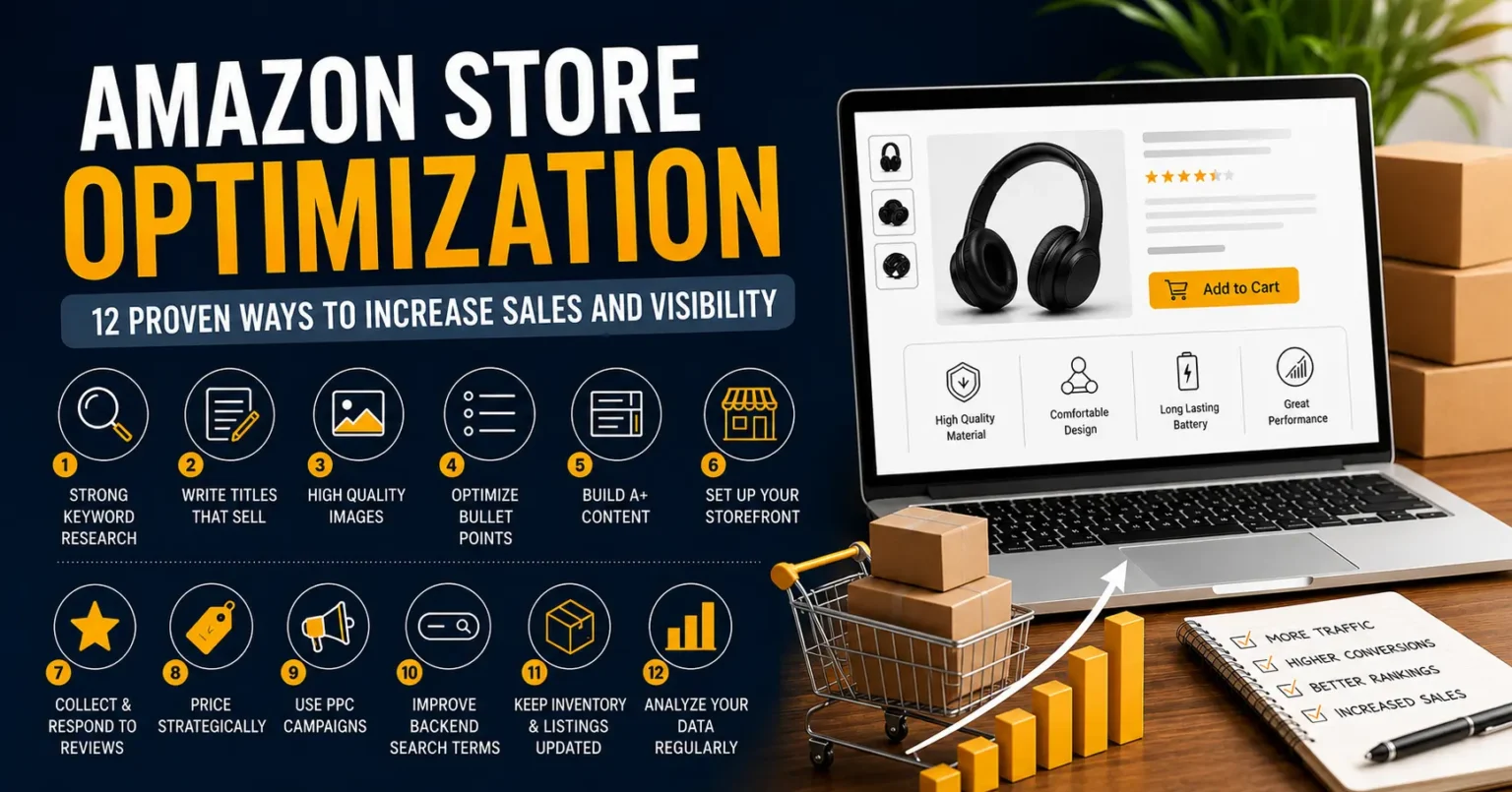
So okay, when I first started selling on Amazon I genuinely had no clue how much amazon store optimization could change things for my listings. None. I thought uploading a few decent photos and slapping together some basic description would be enough. It wasn’t. Took me a good few months of trial and error, slow sales, way too many nights staring at my dashboard wondering what I was doing wrong, before I actually sat down and figured out what moves the needle. This post is pretty much everything I wish someone had just told me upfront.
If you’re running a brand store right now and feel kind of stuck, you’re definitely not alone. The platform’s crowded, competition is brutal honestly, and customers just have too many options thrown at them. But small consistent changes really do add up, I promise. Below are the 12 things that actually worked for me, not in any strict order, just roughly how I went through them myself.
Why Amazon Store Optimization Actually Matters
Before I get into the list, quick thing first. Amazon isn’t really just a marketplace, it behaves more like its own little search engine honestly. People type whatever they want, the algorithm decides what gets shown. If your store and listings aren’t optimized, you just don’t show up. Doesn’t matter how good the product actually is, sadly.
I learned this one the hard way. Had a solid product, decent reviews, fair pricing, and yet my sales sat flat for almost two months. Two whole months of basically nothing changing. Once I actually started optimizing properly though, things shifted. Traffic went up, conversions improved, orders started coming in steadier.
1. Start With Strong Keyword Research
Everything starts here, honestly there’s no skipping this. Can’t optimize anything if you don’t know what people are even typing into the search bar. I used Amazon’s own autocomplete suggestions mixed with a couple paid tools, just to find terms with decent volume that weren’t insanely competitive.
I remember spending literally an entire weekend typing random partial phrases and writing down every autocomplete suggestion that came up. Felt tedious at the time, not gonna lie. But those suggestions are gold because they’re coming straight from real searches people actually make. I also peeked at what similar products were ranking for, gave me a better sense of things instead of just guessing.
Where to Place Your Keywords
Once your list is ready, placement matters just as much honestly. Titles, bullets, backend terms, descriptions, all of it needs these words worked in naturally. Don’t force them in though. People notice, and so does the algorithm, when something reads off.
2. Write Titles That Sell, Not Just Describe
Your title’s usually the first thing anyone sees. I used to write mine like a boring feature list, just specs basically. Now I lead with the actual benefit, then add size, color, quantity after. That one change alone bumped my click rate more than I expected it to honestly.
3. Use High Quality Images and Lifestyle Photos
Can’t stress this enough. People can’t touch the product, so the images are basically doing all your talking for you. I ended up paying for a real photoshoot instead of sticking with the plain white background shots I had before. Lifestyle photos, ones showing the product actually in use, helped people picture owning it. Sounds obvious maybe but it genuinely works.
Infographics Make a Difference
Adding little infographics pointing out key features right on the images cut down a lot of confusion, fewer pre purchase questions too. People scan images way faster than they read text, so visuals usually land before anyone even gets to the description.
4. Optimize Your Bullet Points for Clarity
Bullets aren’t the place to be vague, learned that one early. Rewrote mine to lead with benefit first, short explanation right after. So instead of something flat like “made of durable material,” it became “built to last through daily use, made with reinforced material that resists wear and tear.” Small tweak, reads way better though.
5. Build a Brand Story Through A+ Content
If you’ve got brand registry, use A+ Content, seriously. Added comparison charts, a brand story bit, detailed feature breakdowns. My listings looked more professional after, and people genuinely spent more time on the page too.
What actually surprised me was the drop in returns. When people understand what they’re buying, sizing, materials, how to actually use it, they make better calls upfront. Fewer surprises later means fewer returns.
Keep It Visually Consistent
Mixed up fonts and colors across different A+ modules early on, looked kind of sloppy if I’m honest. Keeping it visually consistent with your brand builds trust way faster than people think.
6. Set Up Your Storefront Properly
A lot of sellers just skip their Storefront entirely, but I found it to be a hidden gem. Clear categories, featured products, a banner that actually fits the brand, it made my store feel like a real website instead of some random product dump.
Started linking it in social bios and emails too. Sending people to a whole organized store instead of just one listing meant they browsed more, which usually meant bigger order values overall.
7. Collect and Respond to Reviews Actively
Reviews are still one of the biggest trust factors, no question. I started actively asking for honest feedback through follow up emails and Amazon’s own request feature. Also made a habit of replying to bad reviews calmly, no getting defensive, which honestly built more trust with people reading later.
Handling Negative Feedback the Right Way
Instead of getting defensive, I just offered solutions in replies. People reading those later could tell I actually cared, and that mattered more than the bad review itself most times.
8. Price Competitively but Strategically
Price too low, you hurt margins and weirdly it can signal low quality too. Price too high, people just scroll past without clicking. I checked competitor pricing pretty often and adjusted mine to stay competitive without undervaluing the product.
Ran small price tests over a few weeks at a time, tracking conversion and profit with each tweak. Sometimes a slightly higher price with better positioning actually beat the cheapest option on the page. People associate price with quality more than you’d think.
9. Use PPC Campaigns to Boost Visibility
Organic traffic alone wasn’t cutting it for me, especially in my niche. Started running Sponsored Product ads, mix of broad and exact match keywords. Helped get noticed faster while organic ranking caught up slowly in the background.
Monitor and Adjust Regularly
Check campaigns weekly, pause whatever’s not converting, push budget toward what’s working. This one habit alone saved me a decent chunk of wasted ad spend over time.
10. Improve Your Backend Search Terms
Lot of sellers skip this completely. Backend terms are invisible to customers but the algorithm reads them just fine. I added synonyms, common misspellings even, related terms that didn’t fit naturally into visible content but people still search for anyway.
11. Keep Your Inventory and Listings Updated
Nothing kills momentum like running out of stock or having outdated info sitting on a listing. I set up regular checks so inventory stayed healthy and pricing, images, details all stayed current.
Learned this the hard way too actually. Went out of stock for almost two weeks during a busy season once, ranking dropped badly after that. Took weeks to recover even once I restocked. Keep a buffer now and check stock at least twice a week, no exceptions anymore.
12. Analyze Your Data Regularly
Last piece really, consistent analysis. I go through Seller Central reports weekly, conversion rates, click through rates, where traffic’s actually coming from. Numbers basically tell me where to focus next.
Use Data to Guide Future Decisions
Instead of guessing, I let the numbers point the way honestly. Keyword bringing traffic but not converting, listing content probably needs work. Good conversion but low traffic, that’s a visibility problem, so ads or SEO need attention instead.
Final Thoughts on Amazon Store Optimization
Looking back, amazon store optimization was never a one time thing for me. More like something I keep coming back to every few weeks. Marketplace keeps shifting, customer behavior changes, competitors adjust too. Staying still just isn’t an option if you actually want growth that lasts.
If you’re just starting, don’t try all twelve at once, that’s a fast way to burn out. Pick a few, actually do them properly, measure what happens, then move on to the next ones. Over time these small changes stack into something way bigger than you’d expect honestly.
I genuinely think anyone selling on Amazon can see real improvement just by sticking with this stuff consistently. Took me time, a lot of patience, more trial and error than I’d like to admit honestly, but once it clicked the results spoke for themselves. Your store, your products, your customers, they’ll all benefit from the effort you put in here.