Okay so real talk, I opened my TikTok Shop dashboard on a random Tuesday night, probably around 11pm, and just sat there staring at it. Orders trickling in, comments piling up, one product that had randomly gone semi viral for reasons I genuinely still don’t understand. That was the night I finally got serious about TikTok Shop automation, mostly because I was one bad night’s sleep away from missing something important and I knew it.
Nobody warns you how fast this platform moves when you’re new. Seriously, nobody. One week you’ve got ten orders trickling in and you’re feeling pretty good about yourself. The next week a fifteen second video takes off and suddenly you’ve got three hundred orders and zero idea how you’re going to fulfill them all. Manual stuff that worked fine when you were small starts falling apart almost overnight. I learned this the hard way, more than once honestly, and that’s basically why I’m writing this. Not as someone who had it figured out from day one. More like someone who fumbled through it, made a bunch of dumb mistakes, and eventually landed on a system that actually holds up.
What TikTok Shop Automation Actually Involves
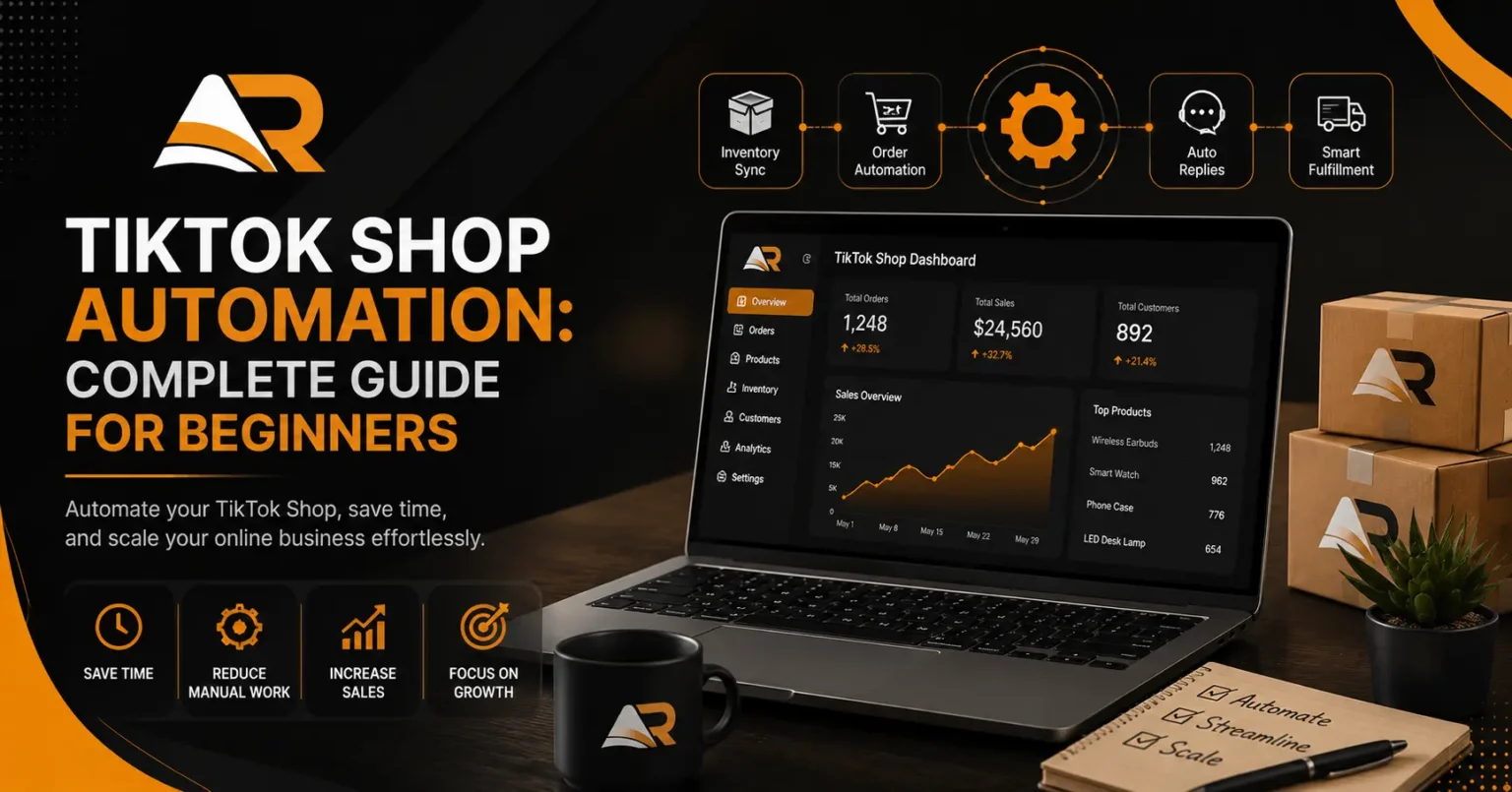
Let’s keep this simple. When I first heard the term I pictured something way more complicated than it actually is, like some robot running my whole shop while I sat back doing nothing. That’s not really what it is. TikTok Shop automation is just using tools to handle the repetitive stuff so you’re not manually doing everything yourself, syncing inventory, managing fulfillment, answering the same customer questions over and over, that kind of thing.
You’re not removing yourself from the business. I still make the big calls. Anything that needs real judgment, I jump in on personally. I just stopped spending three hours a day updating stock numbers by hand, which honestly, in hindsight, was a pretty miserable way to spend an evening.
When I first tried setting this up, I’ll admit I was skeptical. I’d used automation tools on other platforms before and mostly they just created new headaches. But TikTok Shop moves at its own weird pace, and tools built specifically for it actually seem to get that in a way generic software never did.
Getting Started Without Feeling Overwhelmed
Here’s something nobody tells beginners. You do not need to automate everything on day one. I tried that once, went all in and set up like five different automations in one sitting, and ended up more confused than when I started. Just pick whatever’s currently eating the most of your time and start there.
For me that was inventory syncing. I was manually updating stock across TikTok Shop and my other channels, and I kept either overselling or forgetting to update numbers after a live event ended. Once that one thing got automated, everything else somehow felt calmer too, almost immediately, which surprised me.
Why Beginners Struggle Without It
TikTok Shop doesn’t behave like a normal store where traffic just trickles in evenly all day. It spikes, hard, usually around lives, viral clips, or creator collabs. My first live selling session was honestly kind of a disaster. Orders came in way faster than I could physically confirm stock for, while I was also trying to talk on camera and not sound like a nervous wreck. It was a lot.
Without some kind of TikTok Shop automation running in the background, beginners burn out fast. You’re juggling content, comments, orders, inventory, all while also somehow trying to grow an audience on top of it. Something always slips when you’re doing every single piece manually, and usually it’s customer service that takes the hit first, just because you’re too buried to answer quickly.
Common Mistakes New Sellers Make
I’ve made pretty much every mistake possible here, so let me save you the trouble. Big one, waiting until you’re already overwhelmed before setting anything up. I didn’t take automation seriously until I oversold a product mid live event and had to deal with the fallout. Don’t wait for your own version of that moment. Set things up before you actually need them, not after.
Another one, automating customer replies without actually reading them back out loud first. I had one automated response that sounded painfully robotic, and a customer literally commented asking if they were talking to a bot. Which, yeah, fair, they kind of were. I rewrote everything to sound more like an actual person, a little casual, a little less corporate sounding, and the difference in how people responded was almost immediate.
Setting Up Your First Automation Workflow
Alright let’s get into the practical part. If you’re starting from zero, here’s roughly how I’d approach TikTok Shop automation without completely overwhelming yourself in the process.
Start with inventory. This is usually the highest payoff for the least amount of risk. Get your stock levels connected across platforms so you’re not manually updating numbers every time something sells. Nothing tanks trust with a buyer faster than confirming an order for something you actually don’t have anymore.
Next, order processing. Automated confirmations, shipping updates, tracking info, this stuff saves a genuinely absurd amount of time once it’s set up. People expect fast updates on a platform this quick moving, and automation just handles it more reliably than a human trying to remember fifty individual messages.
Last, customer service, but be careful with this one. Automated answers work great for the boring repetitive stuff, shipping timelines, return policies, sizing questions. They work terribly for anything that actually needs a human brain and some empathy behind it. I keep a pretty firm line between what gets automated and what gets an actual reply from me.
Tools Worth Considering as a Beginner
I won’t pretend there’s one perfect tool that works for everyone, because honestly it depends a lot on how big your shop is and where else you’re selling. What I will say is this. Find something that plugs directly into TikTok Shop instead of some clunky setup that needs manual exports and imports every time. That kind of defeats the entire purpose of automating in the first place.
When I was testing things out, I cared most about real time inventory syncing since that was my biggest headache. If your bottleneck is something else entirely, like a flood of repetitive customer questions, go fix that first instead. Don’t just copy my exact setup. Figure out what’s actually slowing you down.
Real Examples From My Own Store
Let me give you something concrete instead of vague promises, because I think numbers land better here. Before automating, I was spending close to two hours a day just manually cross checking stock between TikTok Shop and my other channels. Two hours. Every single day. After setting up automated syncing, that dropped to maybe ten minutes, mostly just glancing at a dashboard to make sure everything looked right.
During a live event last month, automation caught something I genuinely could not have managed by hand. Orders were coming in faster than I could physically track, and since stock was updating automatically in real time, I never accidentally sold something I didn’t actually have. A year earlier, that exact scenario would’ve ended with me issuing a pile of refunds and apologizing on repeat to annoyed customers.
That’s really the whole point of TikTok Shop automation for beginners, honestly. It’s not about looking impressive or having some fancy tech stack. It’s about not completely falling apart the second your shop starts gaining any real momentum.
Common Concerns Beginners Have
A lot of new sellers worry automation makes their shop feel cold, like people will sense they’re talking to a machine instead of an actual person. Fair concern, and it can definitely happen if you set things up lazily. The fix isn’t skipping automation altogether though. It’s being deliberate about which parts of your shop genuinely need a human and which parts really don’t.
Cost comes up a lot too. Beginners assume automation tools are expensive and only worth bothering with once you’re already making real money. In my experience it’s actually the opposite. The cost of not automating, missed orders, frustrated customers, burning yourself out, usually adds up way faster than a monthly subscription ever would once your shop gets even a little traction.
What I’d Tell Someone Just Starting Out
If you’re brand new and reading this before you’ve even made your first sale, here’s my honest take. Set up basic automation early, even if it feels like overkill right now. It’s a lot easier to build good habits from the start than to try retrofitting them later while you’re already buried in orders and messages you can’t keep up with.
Don’t go automate everything at once though. Start small, see how it actually performs, adjust as you go. TikTok Shop automation isn’t a set it and forget it kind of thing. It’s something you keep tweaking as your shop grows and your actual needs shift around.
Final Thoughts
Starting a TikTok Shop is genuinely exciting, but the operational side can blindside beginners who aren’t ready for it. It definitely blindsided me. Setting up TikTok Shop automation early isn’t about being lazy or cutting corners anywhere. It’s about protecting your time and energy so you can actually focus on the stuff you got into this for, making content, connecting with your audience, instead of drowning in behind the scenes busywork nobody sees.
If you’re just starting out, don’t wait for your own personal crisis to force the issue the way I did. Look at whatever’s eating the most of your time right now, repetitively, day after day, and start automating there first. Small steps early on will save you a genuinely massive headache down the road, especially once your shop starts growing faster than you expected. And honestly, if TikTok Shop works the way it’s supposed to for you, that growth can sneak up a lot quicker than you think.