If you’ve been running Amazon PPC for more than a few weeks, you know the feeling. You check your Campaign Manager, see hundreds of dollars gone, and realize you barely made two sales. It hurts.
Rising CPCs, aggressive competitors, and Amazon’s default settings make it way too easy to lose money.
Fixing your ACoS doesn’t mean you stop spending money on ads. It just means you stop giving Amazon cash for worthless clicks and put that budget into keywords that actually put money back in your pocket.
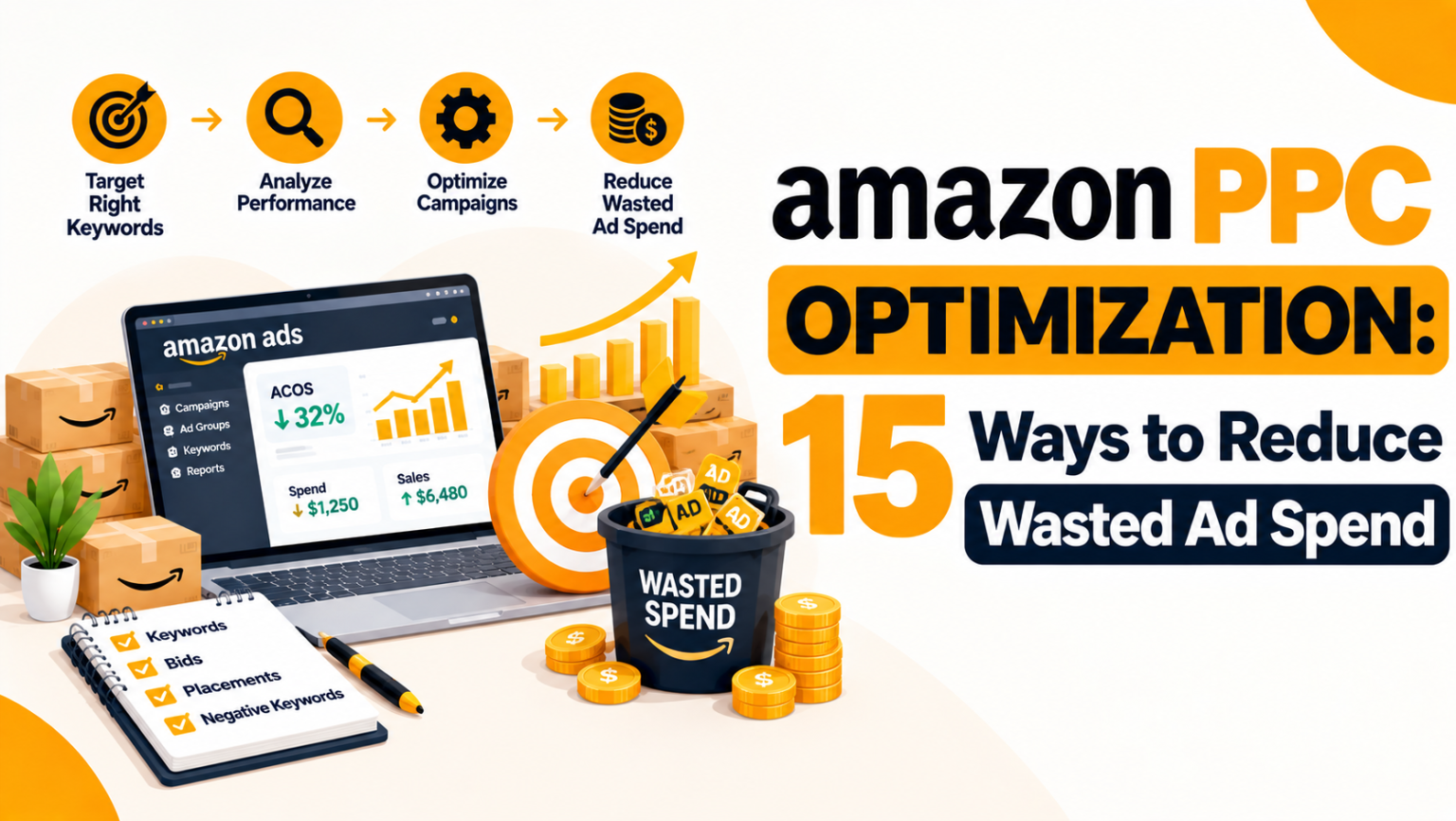
Here are 15 no-nonsense ways to clean up your account.
Why Do Amazon Ads Get Out of Hand So Fast?
Amazon’s ad setup is literally designed to make you spend. If you launch a campaign, leave the defaults on, and walk away, Amazon will happily pour your budget into broad, high-volume terms that almost never convert.
- High ACoS Kills Margins: Clicks without sales don’t just eat your profit. They tell Amazon’s algorithm that people don’t want your item, which slowly kills your organic ranking too.
- Never Trust Default Settings: Auto-bidding and broad matches are built for maximum impressions, not your profit margin. You have to take control manually.
-
Build a Strict Negative Keyword List
This is your main safety net. Download your search term report every single week. Look for queries with 8 to 10 clicks and $0 in sales. Drop those exact phrases straight into your Negative Exact list. Don’t skip this step.
-
Pull Winning Keywords Out of Auto Campaigns
Auto campaigns are great for research, but running them long-term gets expensive. Once a search term in Auto makes 3 or 4 solid sales, copy it out and add it as an Exact Match keyword in a dedicated Manual campaign.
-
Stop Over-Relying on Broad Match
Broad match brings in way too much random traffic. If you sell a “leather iPhone 13 case,” broad match might show your ad to someone searching for a “cheap clear plastic case.” Shift most of your budget toward Exact Match.
-
Kill Single-Word Keywords
Words like “wallet,” “shirt,” or “bottle” will drain your daily budget in minutes. The CPC on generic single words is massive, and shoppers typing one word are usually just browsing. Stick to long-tail terms.
-
Switch to “Dynamic Bids – Down Only”
When setting up campaign bidding, Amazon pushes “Up and Down” which lets them double your bid whenever they think a sale might happen. Don’t buy it. Keep your campaigns set to Down Only so Amazon can only lower your bid, not inflate it.
-
Cut Bids on High-Spend, Zero-Sale Terms
Set a strict rule for yourself. If a keyword spends 1.5x your product price without a single conversion, chop the bid down by 25% or 30%. You don’t have to pause it forever, but stop overpaying for it.
-
Boost What Works, Lower What Doesn’t
Look at your placement data inside Campaign Manager. If Top of Search (Page 1) gives you great conversions, add a placement boost there. If Product Pages are bleeding cash, drop the base bid on that campaign.
-
Pause Ads During Dead Hours (Dayparting)
Check your hourly sales trends. If you notice a flood of clicks between 1:00 AM and 5:00 AM with zero orders, adjust your bids down during those hours using a schedule or PPC software.
-
Give Your Top Seller Its Own Campaign
If one single keyword drives 30% or 40% of your store’s sales, pull it out. Give it its own campaign (often called a SKAG). That way, it gets a dedicated daily budget and other weak keywords can’t steal its ad spend.
-
Turn Down Weak Auto Target Groups
In Auto campaigns, Amazon splits traffic into four groups: Close Match, Loose Match, Substitutes, and Complements. Nine times out of ten, Loose Match and Complements burn cash. Go into your targets tab and drop the bids on those two specific groups.
-
Stop Bidding Against Top Competitors
Product Targeting (PAT) lets you put ads right on competitor pages. But if you target a listing with 10,000 reviews and a 4.9-star rating while you only have 15 reviews, shoppers will click your ad, compare the two, and buy from them. Only target competitors with higher prices or worse reviews.
-
Keep Branded and Non-Branded Terms Separate
When someone searches your brand name, they are already planning to buy. Those ads convert cheap. General search terms take way more spend. Keep branded keywords in their own campaign so they don’t hide your real acquisition costs.
-
Fix Your Product Page Before Spending More
PPC gets people to the door, but your listing makes them buy. If shoppers click and leave immediately, fix your detail page first:
- Is your main photo sharp and easy to read?
- Are your prices competitive?
- Do your bullet points clearly show the main benefits?
-
Use Search Query Performance Data
If you have Brand Registry, check your Search Query Performance report inside Brand Analytics. It shows you the exact words buyers type before purchasing your product or your competitors’. Put your PPC budget right behind those exact search terms.
-
Turn Off Ads for Running-Out or Low-Margin Items
Never run aggressive ads on items with paper-thin profit margins PPC fees will eat what’s left. Also, if an item is close to going out of stock, lower the ad spend immediately so you don’t run dry and ruin your organic ranking.
Weekly PPC Checklist
To keep your account clean, make this 15-minute check a weekly routine:
| Metric | Target Goal | Recommended Action |
| ACoS (Ad Cost of Sales) | Below target profit margin % | Lower bids on high ACoS keywords; scale profitable keywords. |
| CTR (Click-Through Rate) | > 0.5% | Improve main image, pricing, and title relevance. |
| CVR (Conversion Rate) | > 10% – 15% | Enhance listing images, bullet points, A+ Content, and reviews. |
| Zero-Sales Spend | $0 on non-converting search terms | Add non-converting terms to the Negative Keyword list weekly. |
How to Keep Your PPC Healthy Long-Term
Optimization isn’t a one-time job; it’s a weekly habit.
Quick Weekly Audit Checklist:
- Filter Search Terms: Look for any query with $15+ spend and 0 sales Add to Negative Exact.
- Check ACoS Leaders: Find keywords with ACoS higher than your target profit margin Lower bid by 10-15%.
- Check High-Converters: Find keywords with low ACoS and high sales Increase bid by 10-15% to capture more volume.
Keep an Eye on TACoS (Total ACoS)
Don’t just look at PPC ACoS in isolation. Calculate your Total ACoS (TACoS):
If your TACoS is staying flat or going down while your overall sales are growing, your PPC is doing its job it’s driving organic rank and keeping your store profitable.